Creating a good Short is only half the job. The other half is getting it onto YouTube.
Until now that meant generating your video in one tool, downloading it, opening YouTube Studio, uploading it again, and rewriting your caption from scratch. Not anymore.
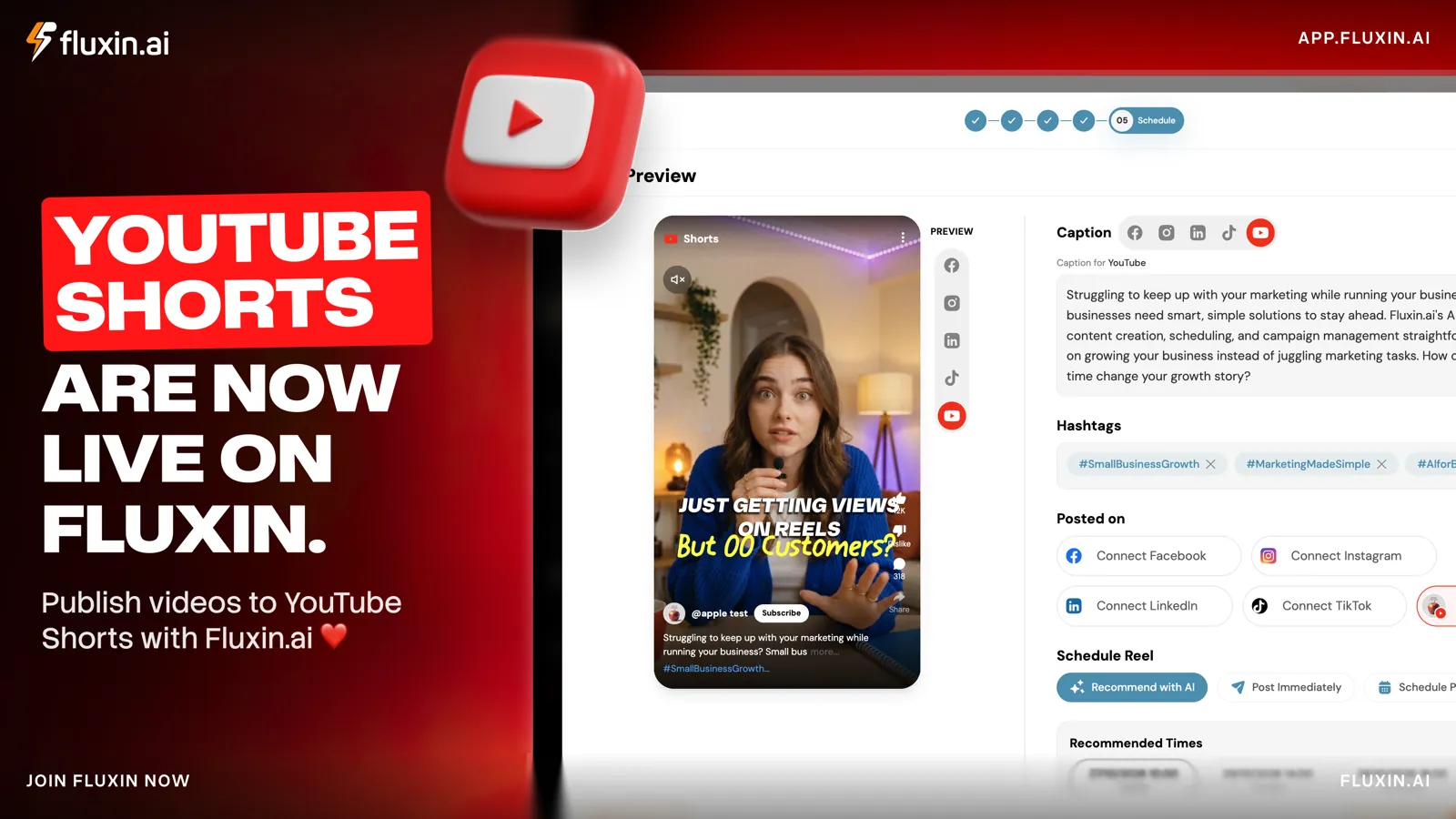
YouTube Shorts are now live on Fluxin.ai. Connect your channel, generate ideas, create the video, write or pick a caption, then schedule or publish, all in one pass.
Why we built this
Short-form video rewards consistency. The businesses that grow on Shorts are the ones posting regularly, and the biggest obstacle to posting regularly is the repetitive work wrapped around every single upload.
Fluxin already helped you plan content and create videos. It now handles the last step too, so the gap between "the video is ready" and "the video is live" stops being the thing that breaks your rhythm.
How do you connect your YouTube channel?
Open your Fluxin settings and go to the Channels tab. You will see every platform you can connect: Instagram, Facebook, LinkedIn, TikTok, and now YouTube Shorts.
Click Connect YouTube Shorts, sign in with the Google account that manages your channel, and approve access. Your channel is then ready to receive posts directly from Fluxin.
How do you create the video?
Start a new post and go to Media Selection. Two options:
- Generate Image creates fresh visuals with AI.
- Media Library pulls from what you have already generated or uploaded, filterable by All, Generated or Uploaded.
Once you have the right visual, Convert Video turns it into a video ready for Shorts. If you want the thinking behind what makes a short clip land, the anatomy of a 15-second ad covers it.
How do you write the caption and schedule it?
Next is Reel Preview, where you see exactly how the Short will look on a phone before it goes anywhere.
From there, write your own caption or pick a generated one, and tailor it specifically for YouTube rather than reusing your Instagram text. Add a few relevant hashtags, then choose the destinations under Posted on.
Finally, Schedule Reel gives you three choices:
- Recommend with AI suggests a good time to post.
- Post Immediately publishes straight away.
- Schedule lets you pick your own date and time.
That is it. The video goes live on your channel as a Short. No downloading, no re-uploading, no copy-pasting captions between tabs.
What makes a Short perform better?
- Hook viewers in the first second. Shorts audiences scroll fast, so open with movement, a bold statement or a question they recognise.
- Add on-screen text. Plenty of people watch with the sound off, so one line on screen carries the message.
- Use a few focused hashtags. Pick ones that genuinely describe the video rather than stuffing in as many as possible.
- Let AI pick the timing if you are unsure when your audience is active.
- Post consistently. With creation and publishing in one place, a regular rhythm gets considerably easier to hold.
Get started
Your next Short is a few clicks from your audience. Log in, connect your channel, and publish your first one today.
YouTube joins TikTok, which went live earlier this year, alongside Instagram, Facebook and LinkedIn.