TikTok is where attention lives right now. Over two billion people watch Reels-style short video every month, and for a lot of small businesses it has quietly become the platform that actually moves the needle. The problem was never whether you should be on TikTok. It was finding the time to create, post, and keep up with it on top of everything else.
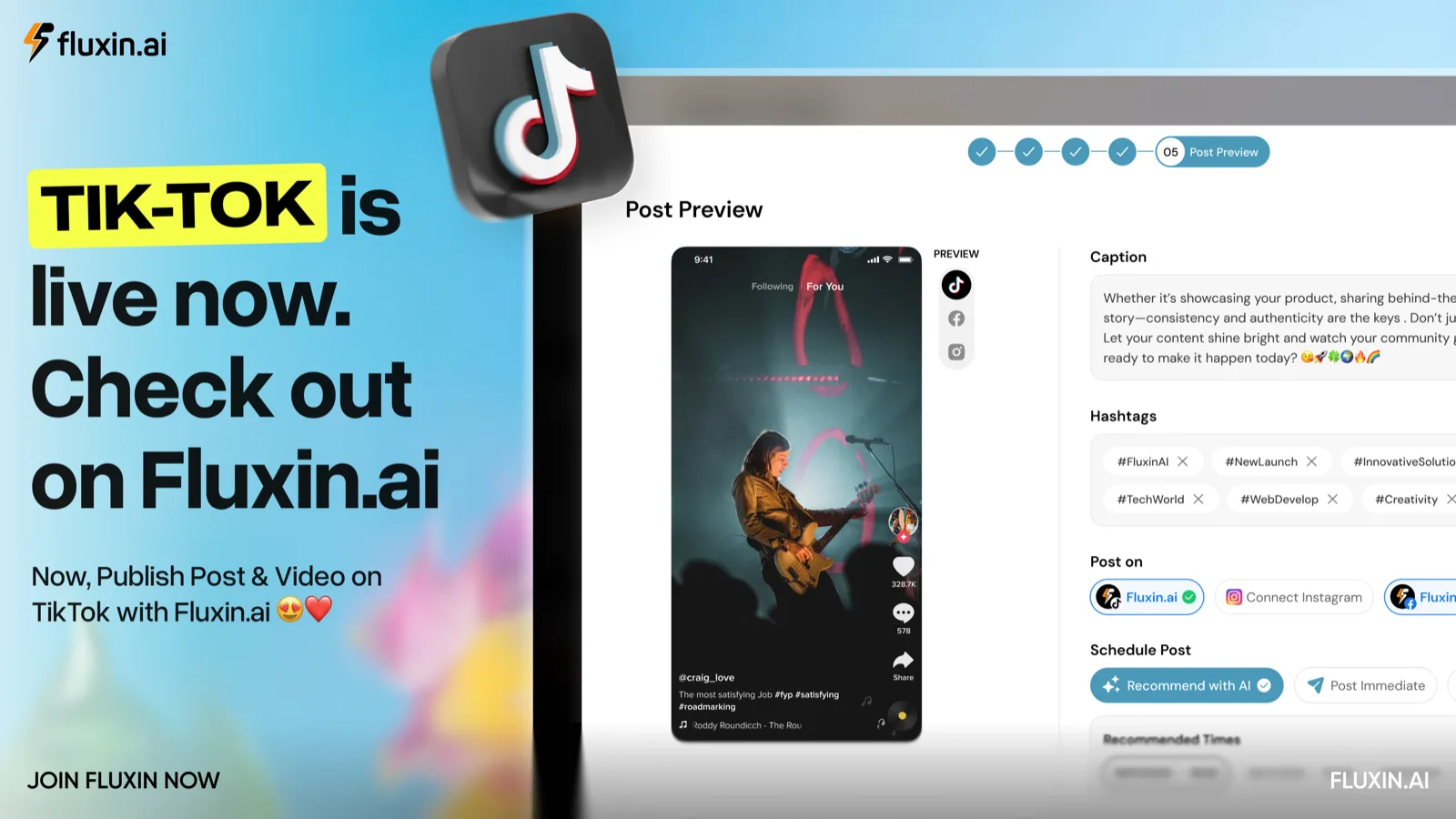
That just got easier. Fluxin now connects directly to TikTok. You can create posts, carousels, and reel videos, publish them straight to your account, and track how they perform, all from the same place you already run the rest of your marketing.
Here is what that means for you.
Connect your TikTok account in under a minute
Getting set up is quick. Head to Settings, open the Channels tab, and connect TikTok alongside your other accounts. Log in once, approve the connection, and you are done.
From that point on, TikTok sits in your Fluxin workspace next to Instagram, Facebook, LinkedIn, and the rest. No separate login, no jumping between apps, no copy-pasting captions from one tool to another.
Post reels, carousels, and everything in between
Once TikTok is connected, you can publish the full range of content the platform supports.
Reel videos are the obvious one. Short-form video is the format TikTok was built around, and it is what the algorithm rewards most. Create your video, add your caption, and send it live or schedule it for later.
Carousels work too. Swipeable image posts have grown into one of the strongest formats on the platform for storytelling, tips, and step-by-step content. If you have been using carousels on other channels, you can now bring them to TikTok without extra work.
Standard posts round it out. Whatever mix of content fits your brand, you can plan and publish it from one calendar.
The point is that you are not managing TikTok as a separate task anymore. It becomes part of the same weekly rhythm as everything else you post.
Ready to try it? See everything you can publish with Fluxin.
Track what is actually working
Publishing is only half the job. Knowing whether it worked is the other half.
Fluxin tracks your TikTok analytics right inside the platform, so you can see how your posts perform without digging through a separate dashboard. Watch which videos get the most engagement, spot which formats your audience responds to, and use that to shape what you create next.
Because your TikTok numbers sit next to your other channels, you also get the bigger picture. Instead of judging each platform in isolation, you can see where your effort pays off best and put your time there.
Why this matters for your marketing
Most small businesses are not avoiding TikTok because they think it does not work. They are avoiding it because it feels like one more thing to manage. One more login, one more content format to learn, one more set of numbers to check.
Pulling TikTok into Fluxin removes that friction. You plan your week once. You create your content once. You publish everywhere from one calendar, and you see all your results in one report. TikTok stops being a separate project and becomes a natural part of how you already work.
Short-form video is not slowing down. The businesses that show up consistently on TikTok are the ones building real audiences right now. This makes showing up a lot less work.
Get started
If you already use Fluxin, connecting TikTok takes about a minute. Go to Settings, open the Channels tab, and link your account. Your next post can go live today.
If you are new to Fluxin, you can try the whole thing free for seven days, no card required. Paste your website link, generate a week of on-brand content, and publish it across every platform, TikTok included.